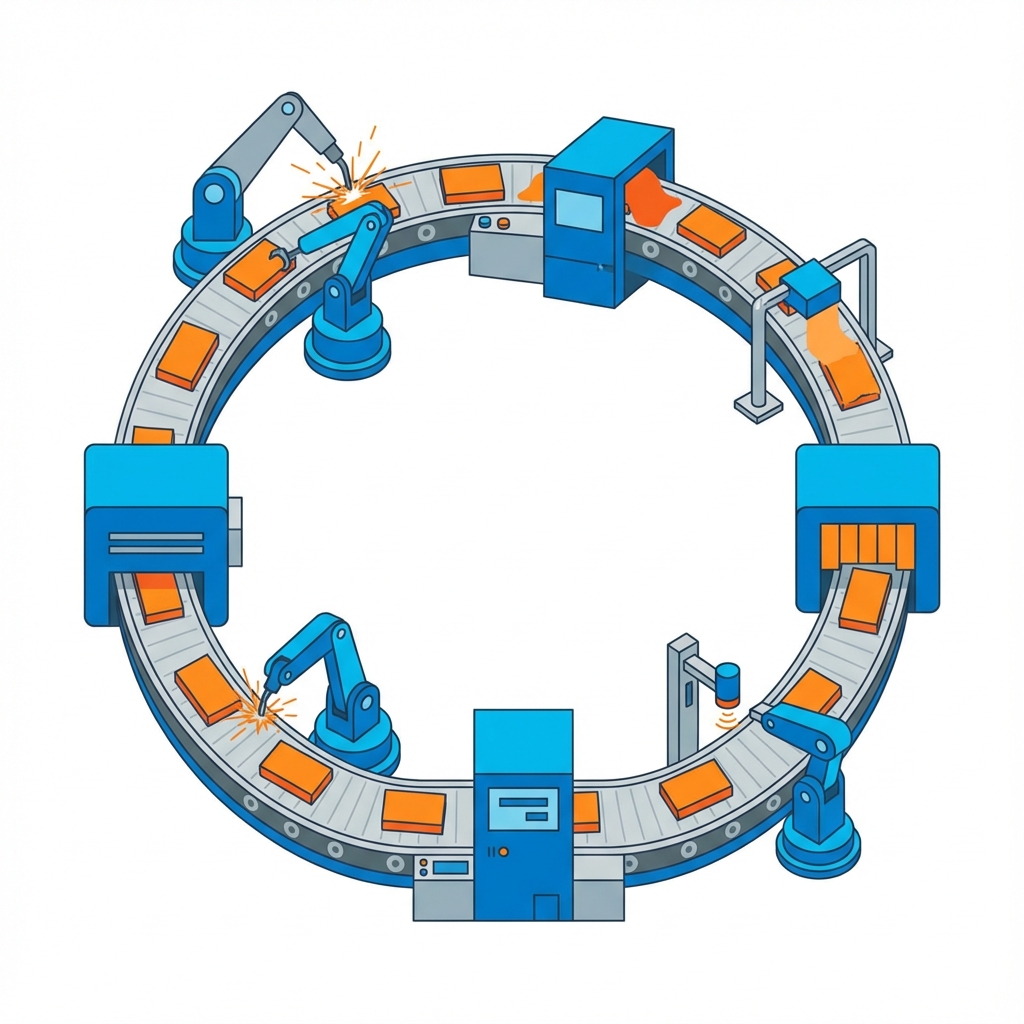
Loops allow you to repeat actions without writing the same code over and over. Think of them as an assembly line in a factory - doing the same task repeatedly until the job is done.
In a car factory, the assembly line repeats the same steps for each car: attach wheels, install engine, paint body. A loop does the same thing in code - repeats actions for each item in a list or until a condition is met.
Why Loops Matter
Imagine you need to send birthday emails to 1,000 customers. Without loops:
- ❌ Write sendEmail() 1,000 times
- ❌ Copy-paste code 1,000 times
- ❌ Impossible to maintain
With loops:
- ✅ Write sendEmail() once
- ✅ Loop through customer list
- ✅ Clean and efficient!
Types of Loops
🔁 For Loop - Count to a Number
Like saying "Do this 10 times"
1, 2, 3, 4, 5 - Done!
🔄 While Loop - Until Condition Met
Like saying "Keep doing this until..."
Keep pouring water WHILE bucket is not full
📋 For-Each Loop - For Every Item
Like saying "Do this for each item in the list"
For EACH paper in the stack, assign a grade
Real-World Examples
- 📧 Email: Send newsletter to all subscribers
- 🛒 Shopping: Calculate total for all items in cart
- 📱 Social Media: Display all posts in your feed
- 🎮 Games: Update position of all enemies every frame
- 📊 Analytics: Process millions of data points
Loop Control
Sometimes you need to control the loop:
- 🛑 Break: Stop the loop early (found what you're looking for)
- ⏭️ Continue: Skip this iteration, move to next
Infinite Loops - The Danger!
Like an assembly line that never stops - your program will freeze! Always make sure your loop has a way to end.
The bottom line: Loops are essential for automation. Instead of repeating code manually, loops let you process lists, repeat actions, and handle large datasets efficiently. Master loops, and you can make your programs do repetitive tasks in seconds!