Ever worked on a document with multiple people and wished you could see who changed what? Or wanted to undo changes from three days ago? That's exactly what version control does for software engineers!
Think about collaborating on a Google Doc. You can see the edit history, revert to previous versions, and see who made what changes. Git (and GitHub) does this for code, but with superpowers!
Why Version Control Matters
Imagine you're building a house with a team:
- ❌ Without version control: If someone makes a mistake, you might have to tear down walls to fix it
- ✅ With version control: You have a "save point" before each change. Made a mistake? Just reload the last save!
At 3 PM, you add a new feature to your app and it works great. At 5 PM, you make another change and suddenly everything breaks. With Git, you can travel back in time to 3 PM when everything worked, figure out what went wrong, and fix it properly.
How Git Works: Save Points for Code
- 💾 Commits: Like saving your game - each commit is a snapshot of your code
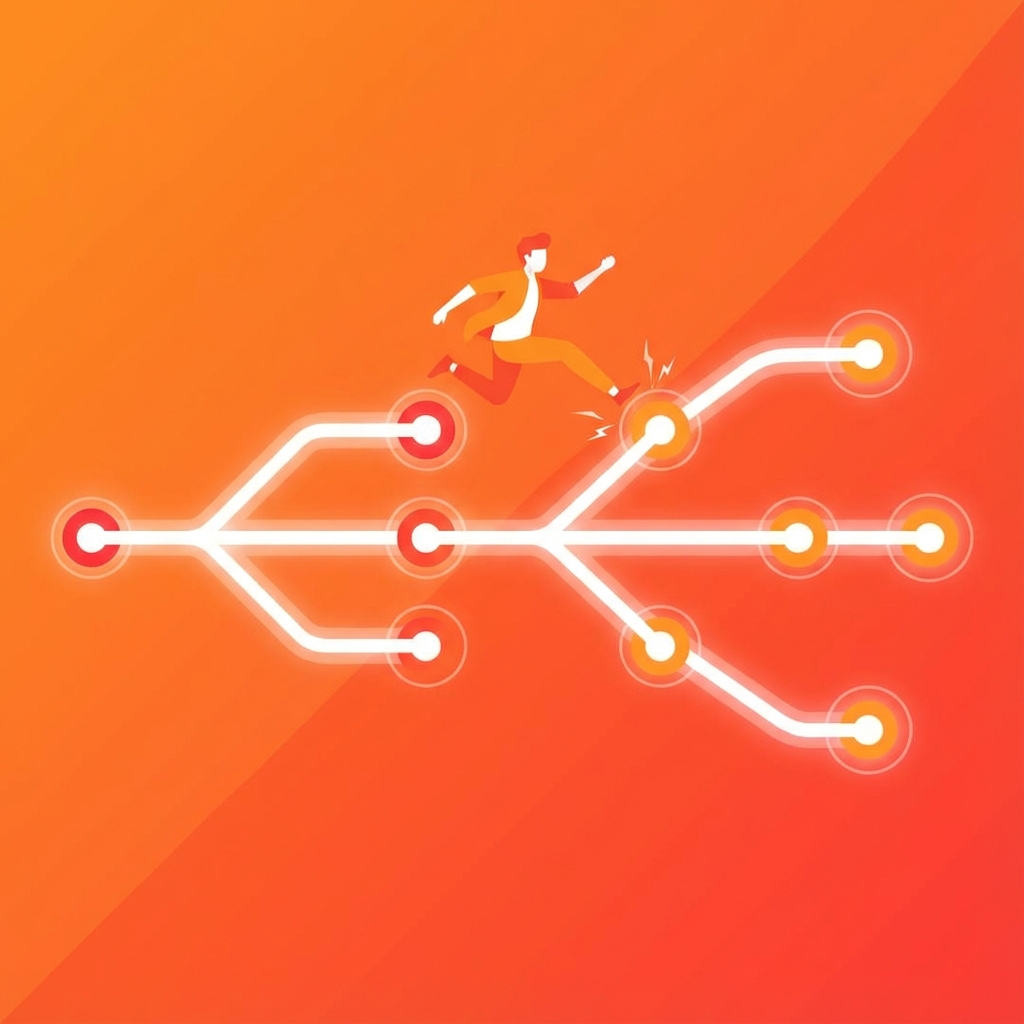
- 🌿 Branches: Like parallel universes - test new features without breaking the main code
- 🔀 Merge: Combining changes from different branches back together
- ⏮️ Revert: Go back to any previous save point if something breaks
Git in Action: Team Collaboration
Here's how teams use Git every day:
- Clone: Download the project to your computer
- Branch: Create your own workspace to make changes
- Commit: Save your changes with a description
- Push: Upload your changes to share with the team
- Pull Request: Ask the team to review and approve your changes
- Merge: Your changes become part of the main project
Why Companies Love Git
- 👥 Collaboration: Hundreds of engineers can work together without conflicts
- 🔒 Safety: Never lose work - everything is backed up
- 📜 History: See exactly who changed what and when
- 🐛 Bug fixing: Quickly find when a bug was introduced
- 🔄 Experimentation: Try new ideas without breaking production code
The bottom line: Git is like track changes for code, but infinitely more powerful. It lets teams of hundreds work together smoothly, keeps all your work safe, and makes it easy to fix mistakes. That's why almost every tech company uses it!