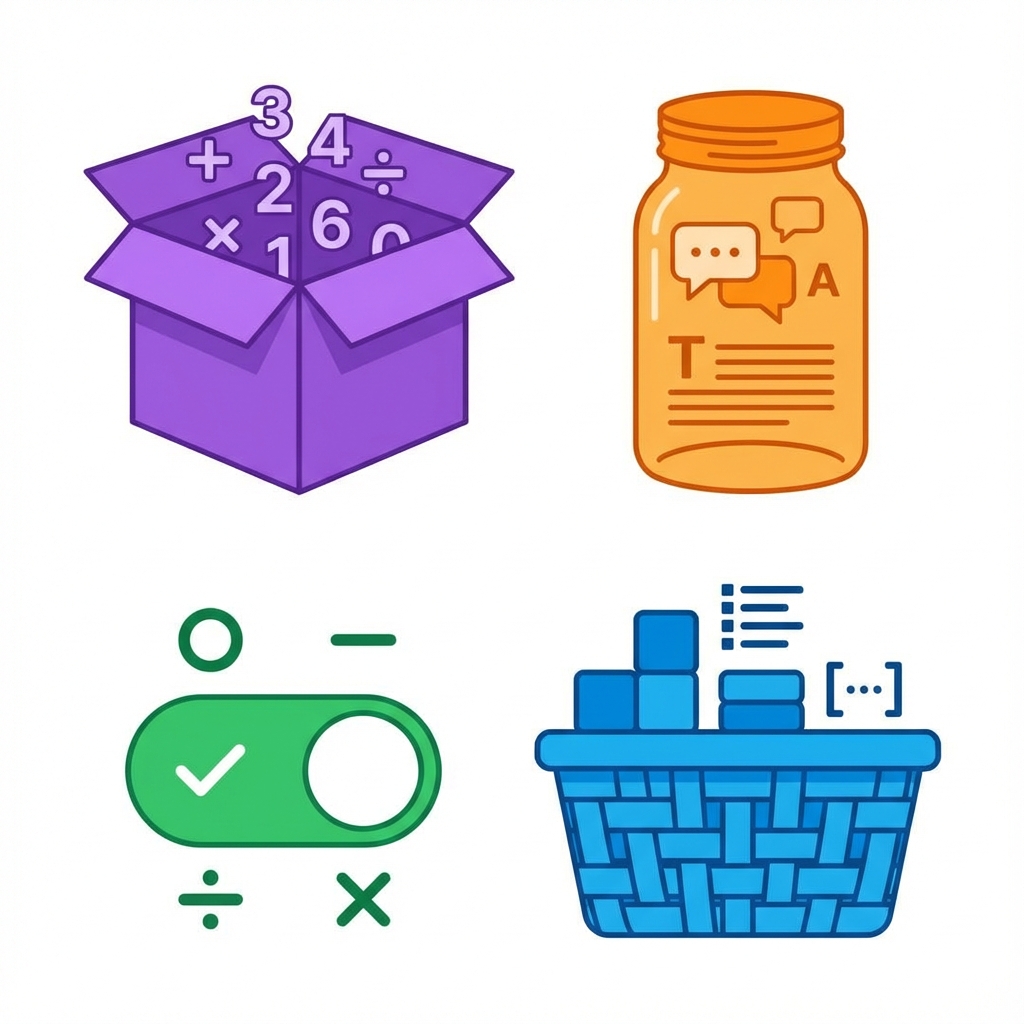
Data types define what kind of value a variable can hold. Think of them as different types of containers - each designed for specific contents.
Just like you use a water bottle for liquids, a box for solids, and a bag for groceries, programming uses different data types for different kinds of information.
Common Data Types
🔢 Numbers
- Integers: Whole numbers (1, 42, -7)
- Floats: Decimal numbers (3.14, -0.5, 99.99)
Use for: age, price, quantity, scores
📝 Strings (Text)
Any text enclosed in quotes: "Hello", "john@email.com", "123 Main St"
Use for: names, addresses, messages, emails
✅ Booleans (True/False)
Only two values: true or false
Use for: isLoggedIn, hasPermission, isActive
📋 Arrays (Lists)
Ordered collection: [1, 2, 3] or ["apple", "banana", "orange"]
Use for: shopping cart, todo list, user list
📁 Objects
Key-value pairs: {name: "Alice", age: 25}
Use for: user profiles, product details, settings
❓ Null/Undefined
Represents "nothing" or "not set yet"
Use for: optional fields, missing data
Why Data Types Matter
"5" + "3" = "53" (string concatenation)
5 + 3 = 8 (number addition)
Type Conversion
Sometimes you need to change types:
- String to Number: "42" → 42
- Number to String: 42 → "42"
- String to Boolean: "true" → true
Real-World Examples
- 🛒 Shopping Cart: quantity (number), productName (string), inStock (boolean)
- 👤 User Profile: age (number), username (string), isVerified (boolean)
- 📧 Email: subject (string), timestamp (number), isRead (boolean)
Choosing the Right Type
- 💰 Money: Use numbers (19.99, not "19.99")
- 📞 Phone Numbers: Use strings ("555-1234") - you don't do math with them!
- ✅ Yes/No Questions: Use booleans (true/false)
- 📋 Multiple Items: Use arrays
The bottom line: Data types are like choosing the right container for the job. Use numbers for math, strings for text, booleans for yes/no, and arrays for lists. Pick the right type, and your code will work smoothly!