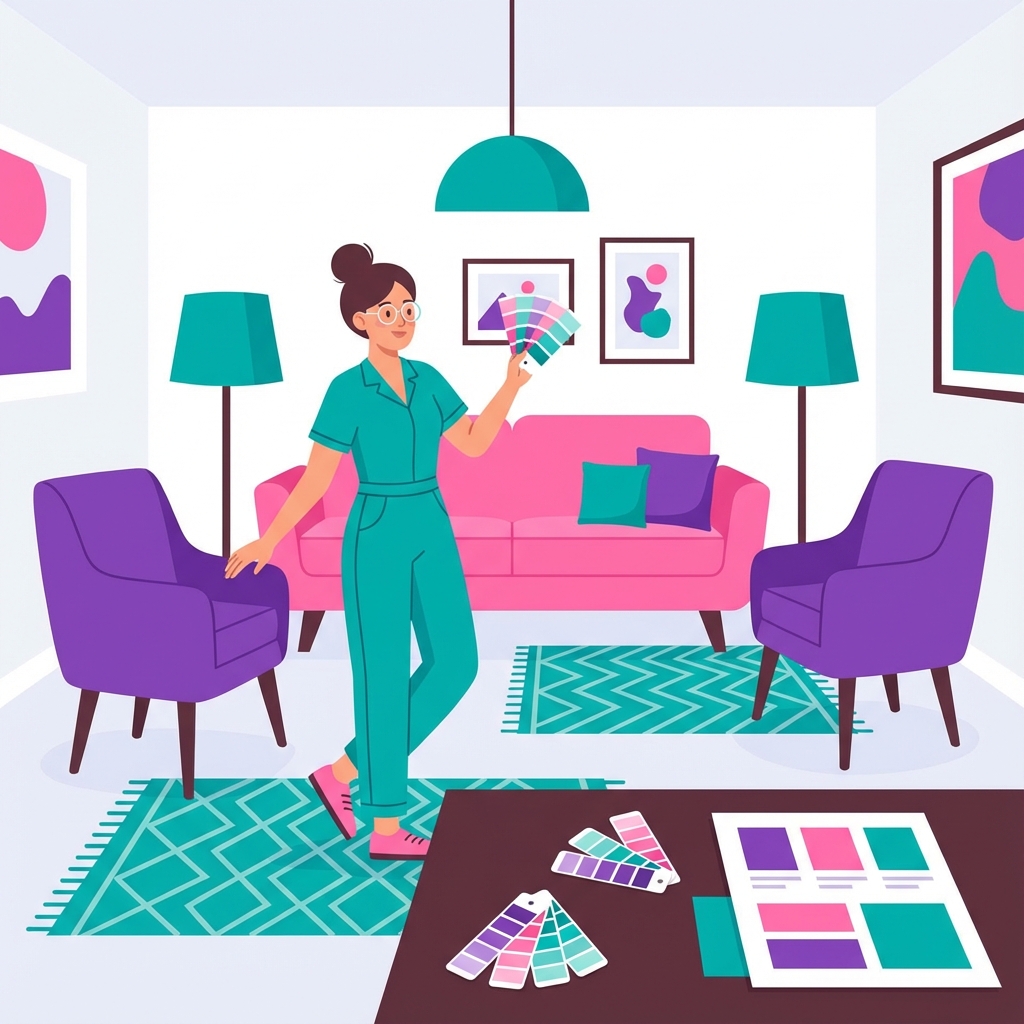
CSS (Cascading Style Sheets) makes websites look beautiful. Think of it as interior design for your web pages - choosing colors, layouts, and styles.
HTML builds the house structure (walls, rooms). CSS is the interior designer who chooses paint colors, furniture placement, lighting, and decorations to make it beautiful.
What CSS Does
- 🎨 Colors: Text, backgrounds, borders
- 📏 Layout: Positioning elements on the page
- ✍️ Typography: Fonts, sizes, spacing
- 📱 Responsive Design: Adapt to different screen sizes
- ✨ Animations: Smooth transitions and effects
CSS Syntax
h1 {
color: blue;
font-size: 32px;
text-align: center;
}
The Box Model
Every HTML element is a box with:
- 📦 Content: The actual text/image
- 🔲 Padding: Space inside the box
- 🖼️ Border: Edge of the box
- 🌫️ Margin: Space outside the box
Selectors
How you target HTML elements:
- Element: p { } - All paragraphs
- Class: .button { } - Elements with class="button"
- ID: #header { } - Element with id="header"
Real-World Examples
- 🎨 Branding: Company colors and fonts
- 📱 Mobile-First: Responsive layouts
- 🌙 Dark Mode: Alternative color schemes
- ✨ Hover Effects: Interactive buttons
CSS Frameworks
Pre-built CSS libraries to speed up development:
- Bootstrap - Popular framework
- Tailwind - Utility-first CSS
- Material UI - Google's design system
Modern CSS Features
- 🎯 Flexbox: Flexible layouts
- 📐 Grid: 2D layouts
- 🎭 Variables: Reusable values
- 🌈 Gradients: Color transitions
The bottom line: CSS transforms plain HTML into beautiful, engaging websites. Just like interior design makes a house feel like home, CSS makes websites visually appealing and user-friendly. Master CSS, and you can create stunning web experiences!