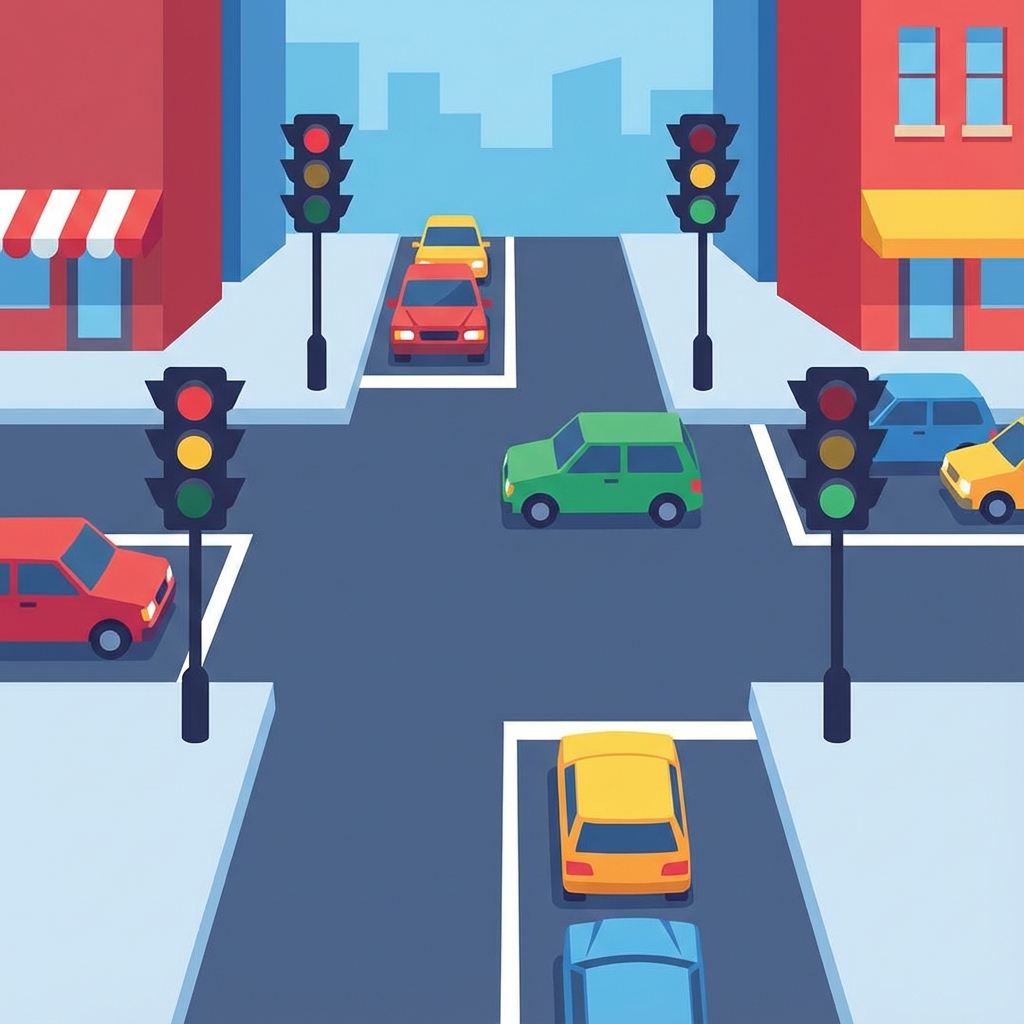
Conditionals let your program make decisions based on different situations. Think of them as traffic lights - they control the flow based on conditions.
At an intersection, drivers make decisions based on the light color: IF green → GO, IF yellow → SLOW DOWN, IF red → STOP. Conditionals work the same way in code - they check conditions and execute different actions.
The IF Statement
The most basic conditional: "IF this is true, THEN do that"
IF temperature > 30°C
THEN display "It's hot! Stay hydrated"
IF-ELSE: Two Paths
Choose between two options:
IF password is correct
THEN log user in
ELSE show error message
IF-ELSE IF-ELSE: Multiple Paths
Like a traffic light with multiple colors:
IF score >= 90 → Grade A
ELSE IF score >= 80 → Grade B
ELSE IF score >= 70 → Grade C
ELSE → Grade F
Real-World Examples
- 🛒 E-commerce: IF cart total > $50 THEN free shipping
- 📱 Social Media: IF user is friend THEN show private posts
- 🎮 Games: IF health = 0 THEN game over
- 🌤️ Weather: IF raining THEN show umbrella icon
- 💳 Banking: IF balance < 0 THEN send alert
Comparison Operators
How we check conditions:
- == (equals): age == 18
- > (greater than): price > 100
- < (less than): temperature < 0
- >= (greater or equal): score >= 50
- != (not equal): status != "active"
Combining Conditions
Check multiple things at once:
- AND: IF age > 18 AND has_license THEN can drive
- OR: IF weekend OR holiday THEN day off
The bottom line: Conditionals are how programs make decisions. Just like you decide what to wear based on the weather, programs use conditionals to respond to different situations. They're essential for creating smart, responsive applications!